

Common Troubleshooting Tips for Remote File Sync for Vscode
Date: 2024-08-23 || Views: 1,851
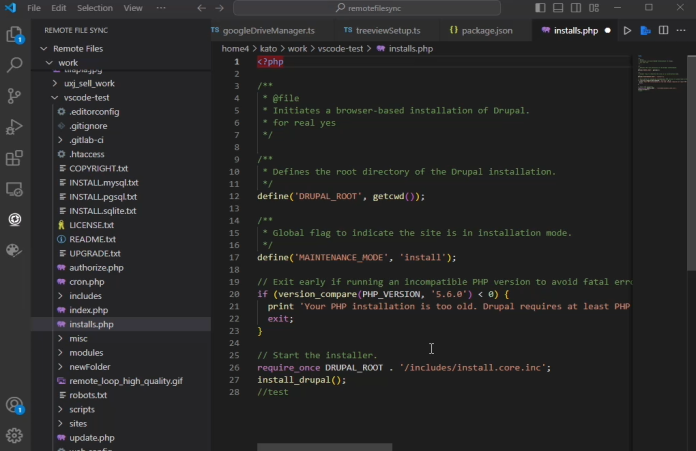
Common Troubleshooting Tips for Remote File Sync
While Remote File Sync is designed to provide a seamless experience when managing files across various protocols such as FTP, SFTP, SSH, WebDAV, and Google Drive, there are times when issues may arise. Understanding how to troubleshoot these common problems will help you maintain a smooth workflow. In this article, we'll explore some common issues you may encounter and provide practical solutions to keep your file synchronization process running efficiently.
FTP Protocol: Patience is Key
When using the FTP protocol, it's important to be patient with the file synchronization process. FTP was not originally designed for high-speed file syncing, so it may take longer than expected. If you encounter any errors during the synchronization process, simply click on "FTP" under the "Latest Connection" in the Sync Panel to reload the connection logic. This action will refresh the process and often resolves any temporary issues. This approach is also effective for SFTP, SSH, and WebDAV protocols, as they share similar connection management processes.
Handling Google Drive Errors: 401 and 400
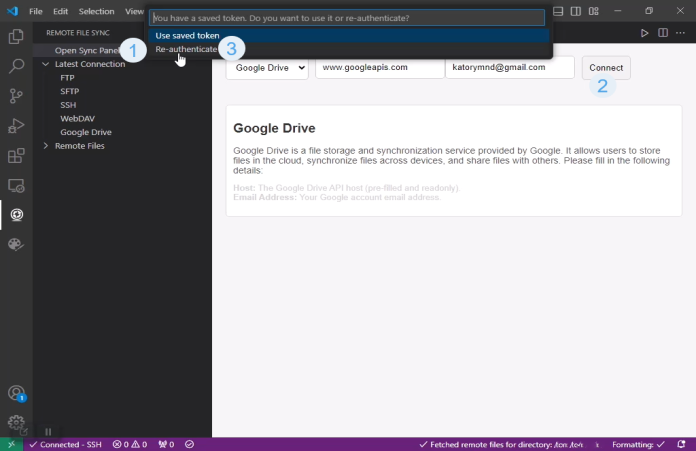
For those using Google Drive, you might occasionally run into errors such as 401 (Unauthorized) or 400 (Bad Request). These errors typically occur when there is an issue with your authorization token. To resolve this, you should re-authorize the connection by following the prompts to renew your Google Drive access. This re-authorization will refresh your connection and typically resolves these issues, allowing you to continue syncing your files without interruption.
Connection Loss and Reconnection Attempts
Regardless of the protocol you’re using—whether it’s FTP, SFTP, SSH, WebDAV, or Google Drive—Remote File Sync is designed to handle connection losses gracefully. If the connection to your remote server is lost, the extension will automatically attempt to reconnect several times. This feature ensures that temporary disruptions do not cause long-term issues with your file synchronization.
Ensuring a Stable Internet Connection
A stable internet connection is crucial for the smooth operation of Remote File Sync. If you’re experiencing lagging or intermittent internet connectivity, it can lead to delays or failures in syncing your files. To achieve the best results, ensure that your internet connection is stable and reliable. This will minimize the chances of encountering synchronization issues and help maintain a seamless workflow.
Conclusion
While using Remote File Sync, encountering issues is rare, but understanding how to troubleshoot them when they do occur can save time and frustration. Whether it’s reloading your FTP connection, re-authorizing Google Drive, or ensuring your internet connection is stable, these tips will help you keep your file synchronization process running smoothly. By following these guidelines, you can maintain an efficient and effective remote file management experience within Visual Studio Code.

Affordable website design in Sweden. Get professional WordPress development, e-commerce,...
Glimpses of Greatness Crafted by Katorymnd
Dive into the journeys of clients I've empowered.
Click any project below to explore the results - each one a story of transformation.
pawaPay Java SDK - Payment Integration


pawaPay Java SDK: Seamless enterprise mobile money integration for Java applications. Features robust typing, thread-safe execution, and reliable transaction handling.
pawaPay Python SDK - Payment Integration
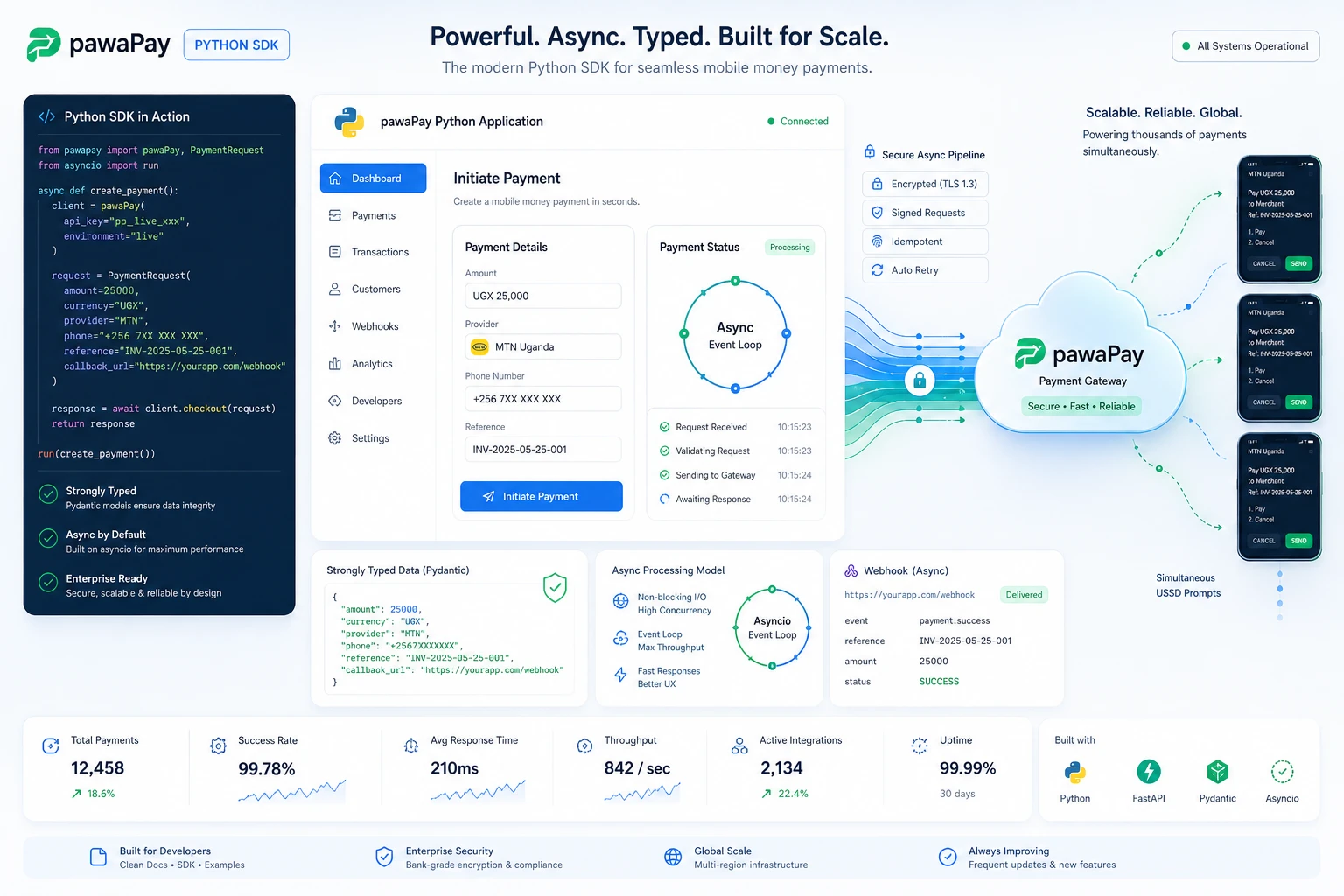
pawaPay Python SDK: Seamless enterprise mobile money integration for Python applications. Features robust typing and asynchronous transaction handling.
pawaPay Node.js SDK, Payments

pawaPay Node.js SDK: Enterprise mobile money integration for Node.js & TypeScript. Strictly typed, async wrapper with simple domain-based licensing.
Clean My Mind - A Quiet Release

A privacy-first web ritual, no signup, say one sentence and let it go. Built with vanilla JavaScript, local-only storage, and focused on presence rather than analytics.
Professional Services
© Copyright 2026 - Katorymnd Web Solutions - All Rights Reserved. Registered with Uganda Registration Services Bureau.