
Accepting Mobile Money Payments in Node.js in Under 5 Minute
Date: 2025-12-24 || Views: 1,451
Accepting Mobile Money Payments in Node.js in Under 5 Minutes
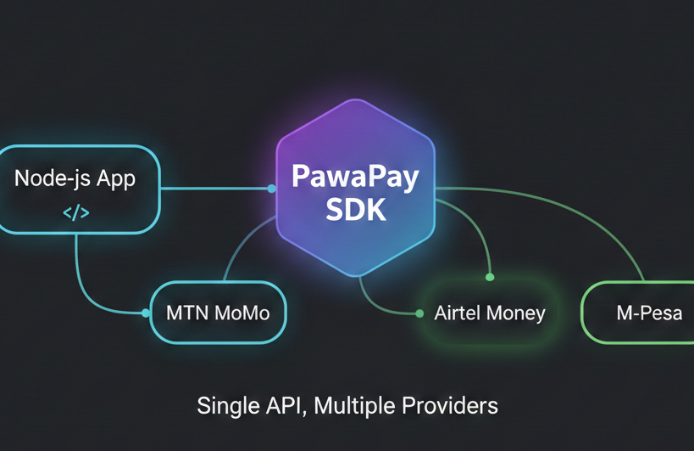
The landscape of digital payments in Africa is dominated by one giant: Mobile Money. For developers building fintech solutions, e-commerce platforms, or gig-economy apps, integrating providers like M-Pesa, Airtel Money, or MTN Mobile Money isn't just an option-it’s a requirement. Traditionally, integrating these services involved wrestling with complex SOAP APIs, managing raw HTTP requests, or dealing with inconsistent documentation. As the ecosystem matures, tools like PawaPay have emerged to unify these providers under a single API.
However, even with a unified API, setting up the boilerplate code for HTTP clients, handling timeouts, and managing types can slow you down. In this guide, we will look at how to bypass the boilerplate and start accepting mobile money payments in Node.js in under 5 minutes using a newly optimized, lightweight PawaPay Node.js SDK.
Why Use an SDK Instead of Raw Requests?
Before we dive into the code, you might wonder why you should add a dependency when you could simply use Axios. While raw HTTP requests work for simple prototypes, production-grade fintech applications require robustness. Primary among these reasons is type safety, which ensures you know exactly what the API expects without constant context switching between your editor and the documentation. Additionally, standardized error handling is crucial to prevent the frustration of dealing with cryptic HTTP 500 status codes.
Performance is another major factor. A raw implementation often lacks optimization. The SDK we are using today has been specifically engineered for performance. We have published a stripped-down version to NPM containing only the essential src logic, leaving the "bloat"- such as tests, heavy documentation files, and build scripts—on GitHub. This ensures your Node.js application remains lean and fast.
Prerequisites
To follow along effectively, you will need Node.js installed on your machine, preferably version 14 or higher. You must also have your PawaPay API Keys ready from the developer portal and possess a basic understanding of asynchronous JavaScript programming.
Step 1: Installation
We begin by adding the package to our project. You can pull the lightweight artifact from the NPM registry by running the command below in your terminal. By using a dedicated SDK for PawaPay Node.js integration, you significantly reduce the risk of maintenance debt associated with maintaining custom API wrappers.
npm install @katorymnd/pawapay-node-sdk
Step 2: Configuration
With the package installed, create a new file named payment.js. In this file, you will initialize the client with your environment details. While it is best practice to store sensitive keys in environment variables, we will instantiate them directly in the example below to demonstrate the structure clearly. This simple configuration handles the base URL selection and header authentication logic for you, streamlining your payment gateway integration.
const { ApiClient, Helpers, FailureCodeHelper } = require("@katorymnd/pawapay-node-sdk");

const pawapay = new ApiClient({
  apiToken: process.env.PAWAPAY_API_KEY, // Your API token
  environment: 'sandbox', // 'sandbox' or 'production'
  licenseKey: process.env.KATORYMND_PAWAPAY_SDK_LICENSE_KEY, // required
  sslVerify: false, // Optional: set to true for production
  // timeout: 30000, // Optional: custom timeout in ms
});
Step 3: Initiating a Mobile Money Deposit
The core feature of any payment app is the "Deposit," which refers to collecting money from a user. Whether you are targeting M-Pesa in Kenya or MTN in Uganda, the method remains consistent. The code below demonstrates how to initiate a payment request.
// Import your service
const PawaPayService = require('./services/payment');


async function requestPayment() {
  try {
    // Initialize the service (uses environment variables by default)
    const pawapayService = new PawaPayService();

    // Prepare deposit data matching the PawaPayService.deposit() method
    const depositData = {
      amount: "5000",
      currency: "UGX",
      mno: "MTN_MOMO_UGA",
      payerMsisdn: "256783456789",
      description: "Order #9921 Payment", // corresponds to 'statementDescription'
      // Optional: metadata array if needed
      metadata: []
    };

    // Call your service's deposit method
    const paymentResponse = await pawapayService.deposit(depositData, 'v1');
    // For v2 API: await pawapayService.deposit(depositData, 'v2');

    if (paymentResponse.success) {
      console.log(" Payment Initiated Successfully:");
      console.log({
        depositId: paymentResponse.depositId,
        transactionId: paymentResponse.transactionId,
        status: paymentResponse.status,
        message: paymentResponse.message
      });

      // Optional: Check status after a delay
      // setTimeout(async () => {
      //   const status = await pawapayService.checkTransactionStatus(paymentResponse.depositId, 'v1');
      //   console.log('Transaction Status:', status);
      // }, 5000);

    } else {
      console.error(" Payment Failed:", paymentResponse.error);
      if (paymentResponse.debug) {
        console.error('Debug Info:', paymentResponse.debug);
      }
    }

  } catch (error) {
    console.error(" System Error:", error.message);
    console.error(error.stack);
  }
}

requestPayment();
To understand the code above, pay attention to the correspondent parameter, which identifies the specific network, such as AIRTEL_OAPI_ZMB for Airtel Zambia. The SDK types usually provide autocomplete for these codes, reducing integration errors. Furthermore, the currency and country parameters are essential for handling cross-border African payment solutions correctly.
Step 4: Handling the Result (Webhooks or Check depositID)
Mobile money transactions are asynchronous. When you run the code above, you will receive a "Pending" status immediately. The actual confirmation arrives later via a Webhook / depositID check. While this guide focuses on sending the request, your SDK likely includes helper methods to verify webhook signatures. This is a critical step for security to prevent fraudulent transaction injection.
// Example of a conceptual webhook handler
app.post('/webhook', (req, res) => {
  const signature = req.headers['x-pawapay-signature'];
  const isValid = pawapay.webhooks.verifySignature(req.body, signature);

  if (isValid) {
    // Process the successful payment
    console.log("Payment Confirmed via Webhook");
  }
});
Why Performance Matters in Fintech
We mentioned earlier that this package separates the src from the "bloat." In the world of serverless functions like AWS Lambda or Vercel, package size matters immensely. Large node_modules folders increase "cold start" times. By using this optimized PawaPay Nodejs SDK, you are ensuring that your serverless functions spin up faster, leading to a snappier UI for the user waiting for that payment prompt on their phone.
Conclusion
Integrating mobile money payments doesn't have to be a week-long sprint. With the right tools, you can implement a secure, typed, and efficient payment flow in minutes. This Node.js SDK for PawaPay abstracts away the complexity of raw HTTP calls, letting you focus on building your product rather than debugging API headers. You can start building immediately by downloading the package via NPM. For those interested in the internal optimization, the source code is available on our GitHub repository.

Learn to customize login processes with Katorymnd Plugin for enhanced...
Idempotent UUIDs, webhook vacuum sweeping & circuit breakers for MNO...

Explore the booming e-commerce sector in Uganda and Katorymnd's vital...
Glimpses of Greatness Crafted by Katorymnd
Dive into the journeys of clients I've empowered.
Click any project below to explore the results - each one a story of transformation.
pawaPay Java SDK - Payment Integration


pawaPay Java SDK: Seamless enterprise mobile money integration for Java applications. Features robust typing, thread-safe execution, and reliable transaction handling.
pawaPay Python SDK - Payment Integration
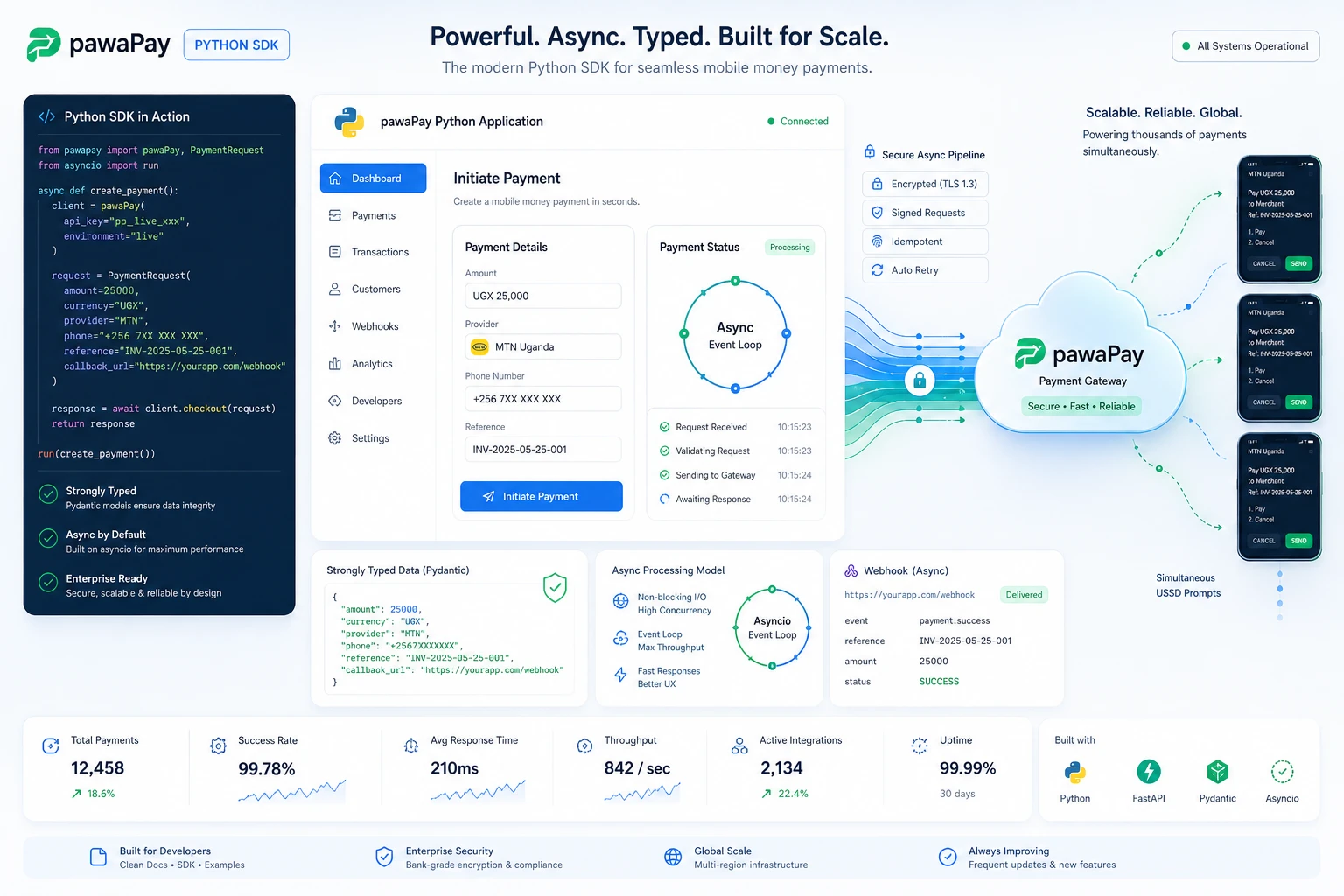
pawaPay Python SDK: Seamless enterprise mobile money integration for Python applications. Features robust typing and asynchronous transaction handling.
pawaPay Node.js SDK, Payments
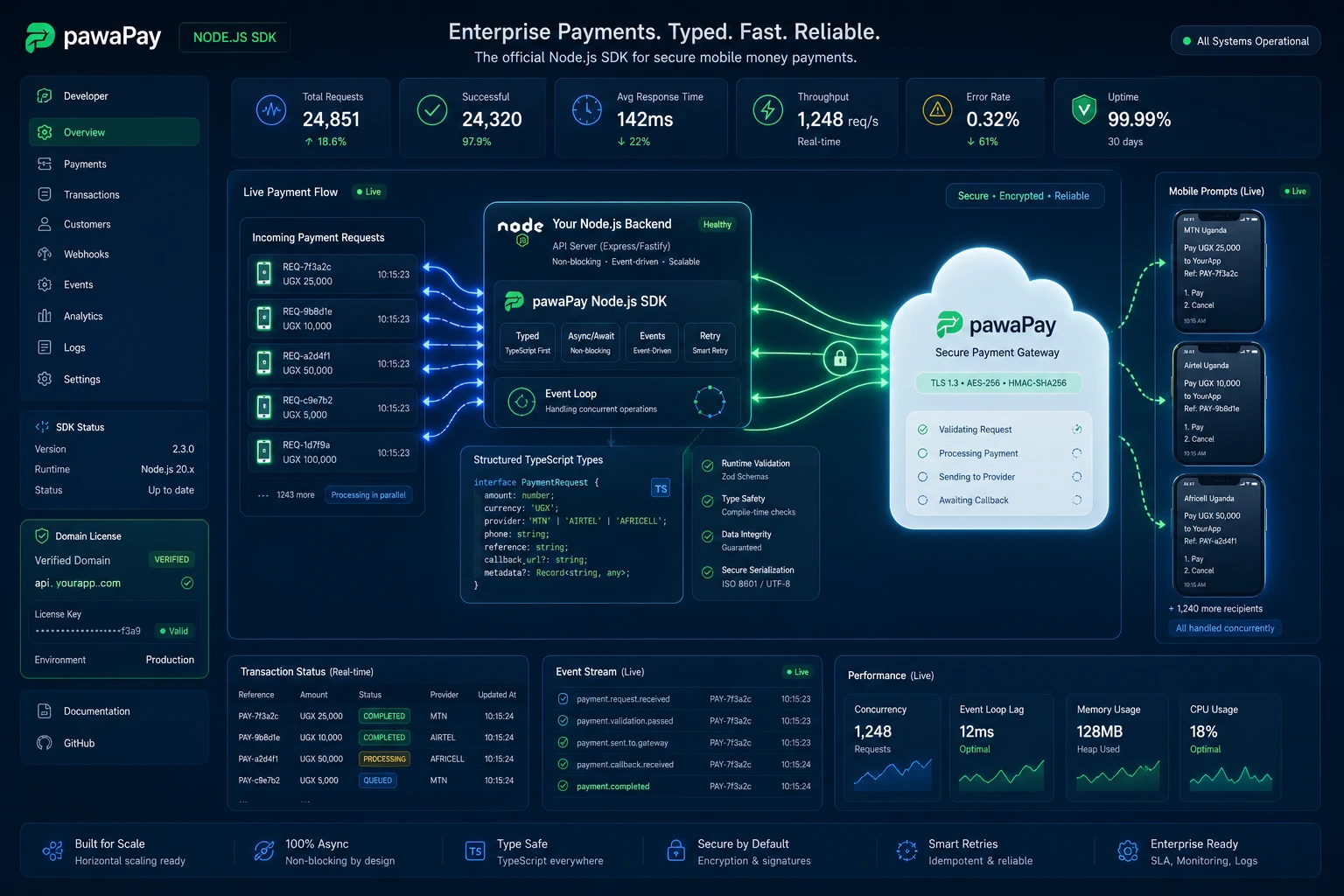
pawaPay Node.js SDK: Enterprise mobile money integration for Node.js & TypeScript. Strictly typed, async wrapper with simple domain-based licensing.
Clean My Mind - A Quiet Release

A privacy-first web ritual, no signup, say one sentence and let it go. Built with vanilla JavaScript, local-only storage, and focused on presence rather than analytics.
Professional Services
© Copyright 2026 - Katorymnd Web Solutions - All Rights Reserved. Registered with Uganda Registration Services Bureau.